

Works today on WordPress, WooCommerce & any website · Shopify coming soon
Set it up
From install to answers in four steps.
No code and no page builder. Click through the steps an owner follows in WordPress.
- Step 1Install the pluginPlugins → Add New Plugin → Upload Plugin, then activate it.
- Step 2Choose your AISettings → AI connection: paste a Google Gemini, OpenAI or Claude key, or a HolaReply AI credit key. Keys are encrypted and never shown again.AIza••••••••••••••••••••
- Step 3Choose what it readsTick pages, posts, products and custom post types. Add a few knowledge base answers for what your pages never say.
- Step 4Switch it onPick your colour and greeting and switch the chat on. It answers from your own content from the next visitor.
HolaReply for WordPress
How it works for you
HolaReply is a WordPress plugin, not a script from another service. It reads your published pages, posts, WooCommerce products and the custom post types you choose, keeps its index in your own WordPress database, and updates it every time you publish or edit.
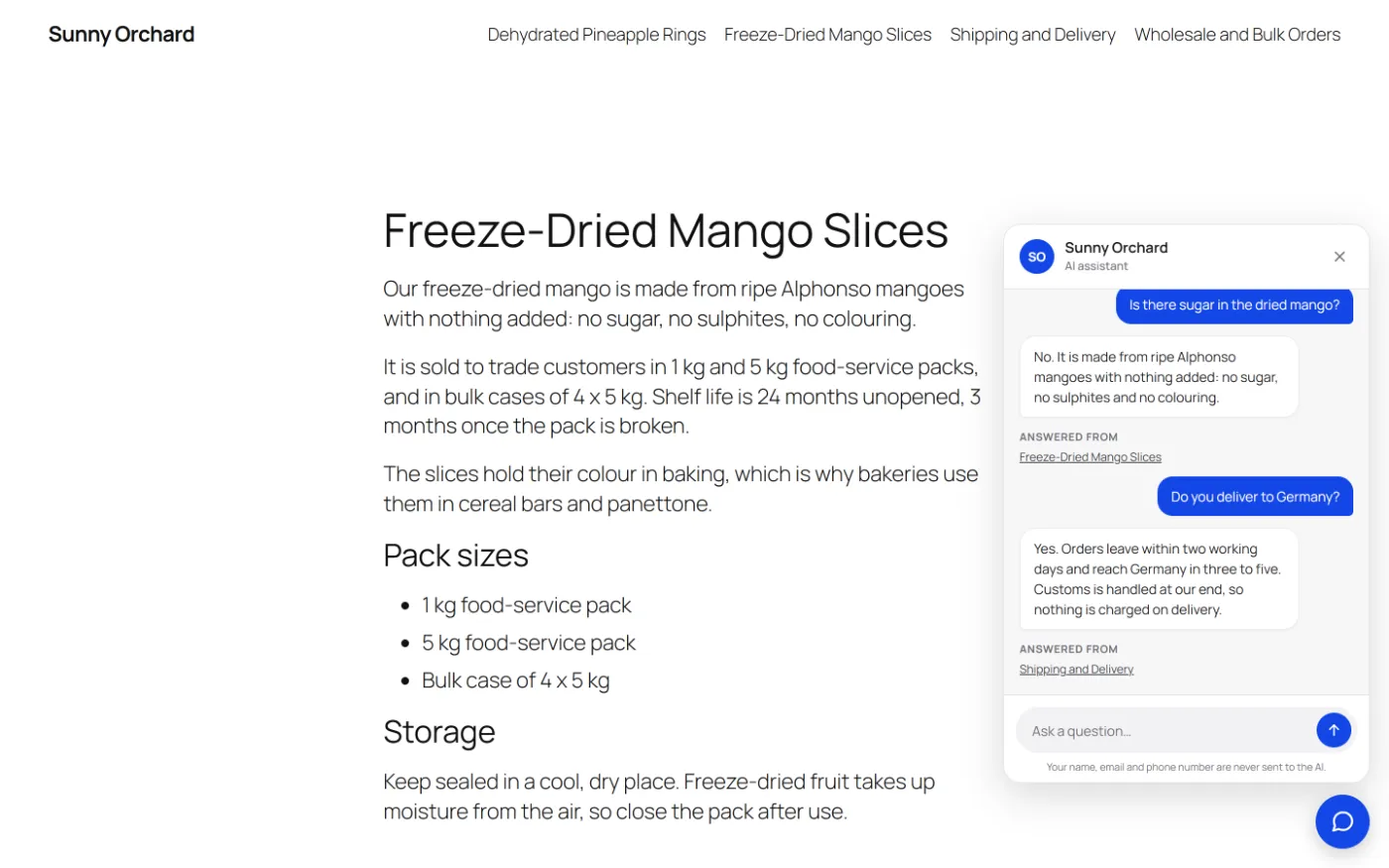
Visitors get answers from your content only, with the page shown under each answer. When your site doesn’t cover a question, it says so and hands the visitor to your team with the whole conversation. There is no separate account to manage and no per-message fee.
Free for WordPress. The free plugin has no trial, no time limit and no message cap. It needs WordPress 6.6 or later and PHP 8.0 or later; WooCommerce is optional. With Pro, your sales team works every enquiry from its own Sales Desk page and never needs wp-admin.
Works with: The block editor, Elementor, Divi, Astra, WooCommerce, WP Rocket, LiteSpeed Cache and WP Mail SMTP. It loads after your page, so it doesn’t slow it down.
What you get
The details.
Answers from your own content →
Pages, posts, WooCommerce products and custom post types, published only.
Always up to date →
Each page is re-indexed when you publish or edit it.
Locked topics →
Prices, contracts, allergens and legal questions always go to a person.
Leads that are never lost →
Enquiries with the whole conversation, even if the AI is down.
Replies in every language →
Answers in the visitor’s language from your content.
A Sales Desk for your team (Pro) →
Tickets, notes and replies by chat and email, without WordPress access.
How it works
Three steps.
Install the plugin
Search for HolaReply in Plugins → Add New Plugin and activate it: no code, no page builder. It is free on WordPress.org, or download the zip from this website.
Choose your AI
In Settings → AI connection, paste a Google Gemini, OpenAI or Anthropic Claude key, or a HolaReply AI credit key. Keys are encrypted and never shown again.
Choose what it reads
Tick pages, posts, products and any custom post types, brand the chat, and switch it on.
Questions
Asked about HolaReply for WordPress.
What does HolaReply need to run?
WordPress 6.6 or later and PHP 8.0 or later, plus an AI: your own Google Gemini, OpenAI or Anthropic Claude key, or HolaReply AI credits with no key. With a Gemini key you pay Google directly, usually a few dollars per 1,000 questions.
Does it work with page builders?
Yes. It reads the published text of pages built with the block editor, Elementor, Divi and others.
Will it slow my site down?
No. The chat loads after your page. If a caching plugin delays JavaScript and the chat button doesn’t appear, exclude HolaReply’s script from the delay.
Can it read custom post types?
Yes. Any public post type you publish can be indexed; you choose which ones.
Is it free?
Yes. The free version includes answers from your site, sources, locked topics and lead capture. Pro (from $79, paid once) adds the Sales Desk for your team.
Guides and comparisons
Read before you choose.
Add an AI chatbot to WordPress →
The right kind of chatbot, the setup step by step, the real monthly cost, and how to stop it guessing.
Best AI chatbot plugins for WordPress →
10 plugins compared on what matters: answers from your own content, leads, real AI cost and privacy.
Gemini chatbot for WordPress →
Keys, billing, models, the real cost of 1,000 questions, and the free-tier rules most guides miss.
WordPress chatbot without monthly fees →
Free and lifetime plugins with your own AI key, the real monthly AI cost, and the catches nobody mentions.
Tidio alternative for WordPress →
Tidio’s live chat is excellent; its AI is billed per conversation. When a WordPress-native assistant is the better deal.
AI Engine alternative →
AI Engine is a toolkit; HolaReply is a sales assistant. Features, prices and when to choose each.
WPBot alternative →
Button flows and lifetime licences vs answers from your content and a team inbox. Facts and prices checked.
Chatbase alternative →
Credits, weekly re-sync from $150/mo and an agent that goes offline at zero: when a WordPress-native assistant makes more sense.